Capture what you did, and why.
Recall it when it matters.
The work log your AI can read.
CogniLog is a native Mac & iOS work log for anything worth remembering. It captures the story between your commits, meetings, and deliverables: the decisions, the dead ends, and the reasoning. A built-in MCP server means your AI assistant can read it, and write to it.
For Mac and iPhone. Want the newest features first? Join the beta on TestFlight.
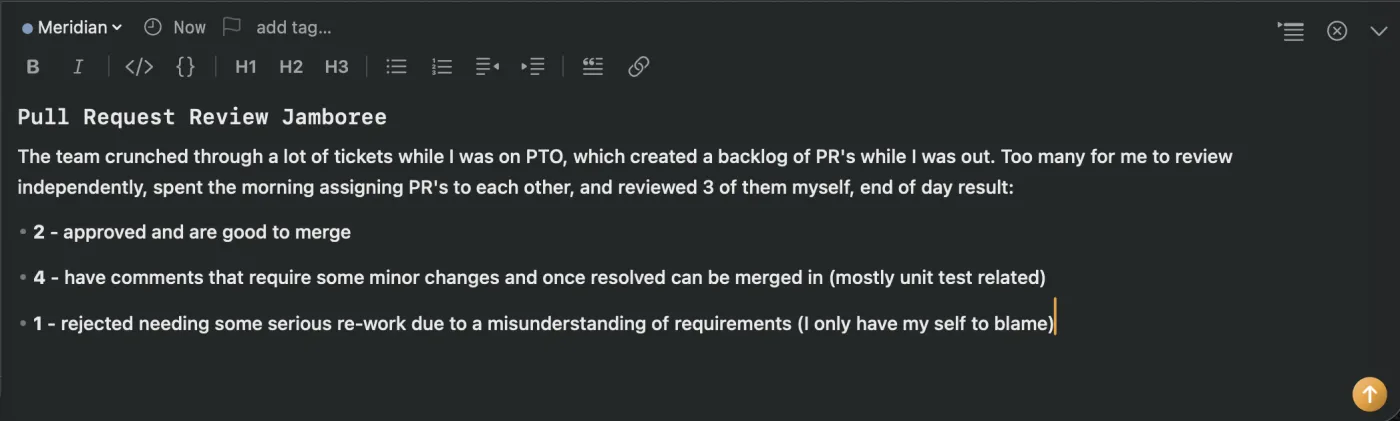
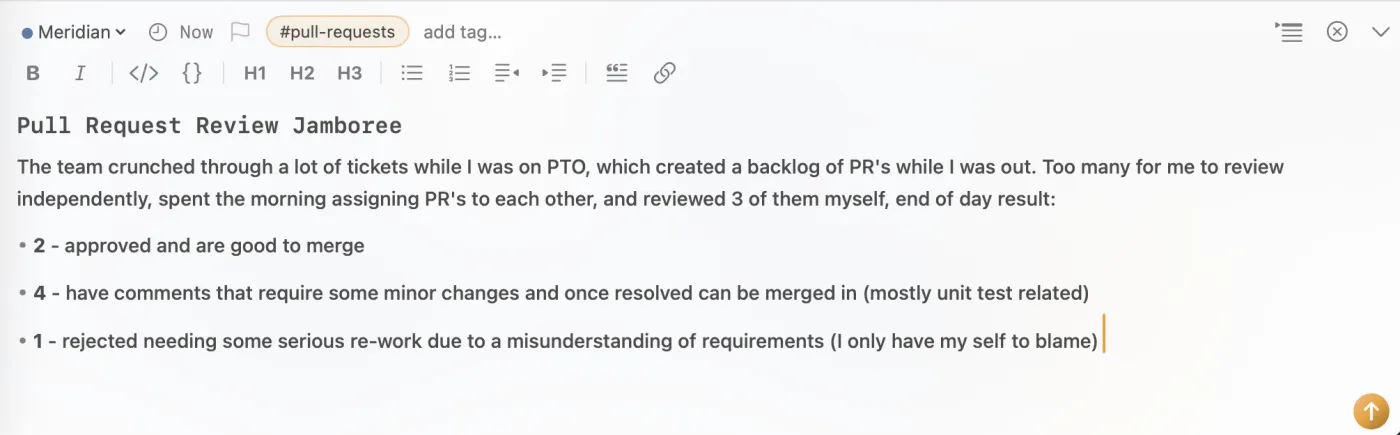 Capture
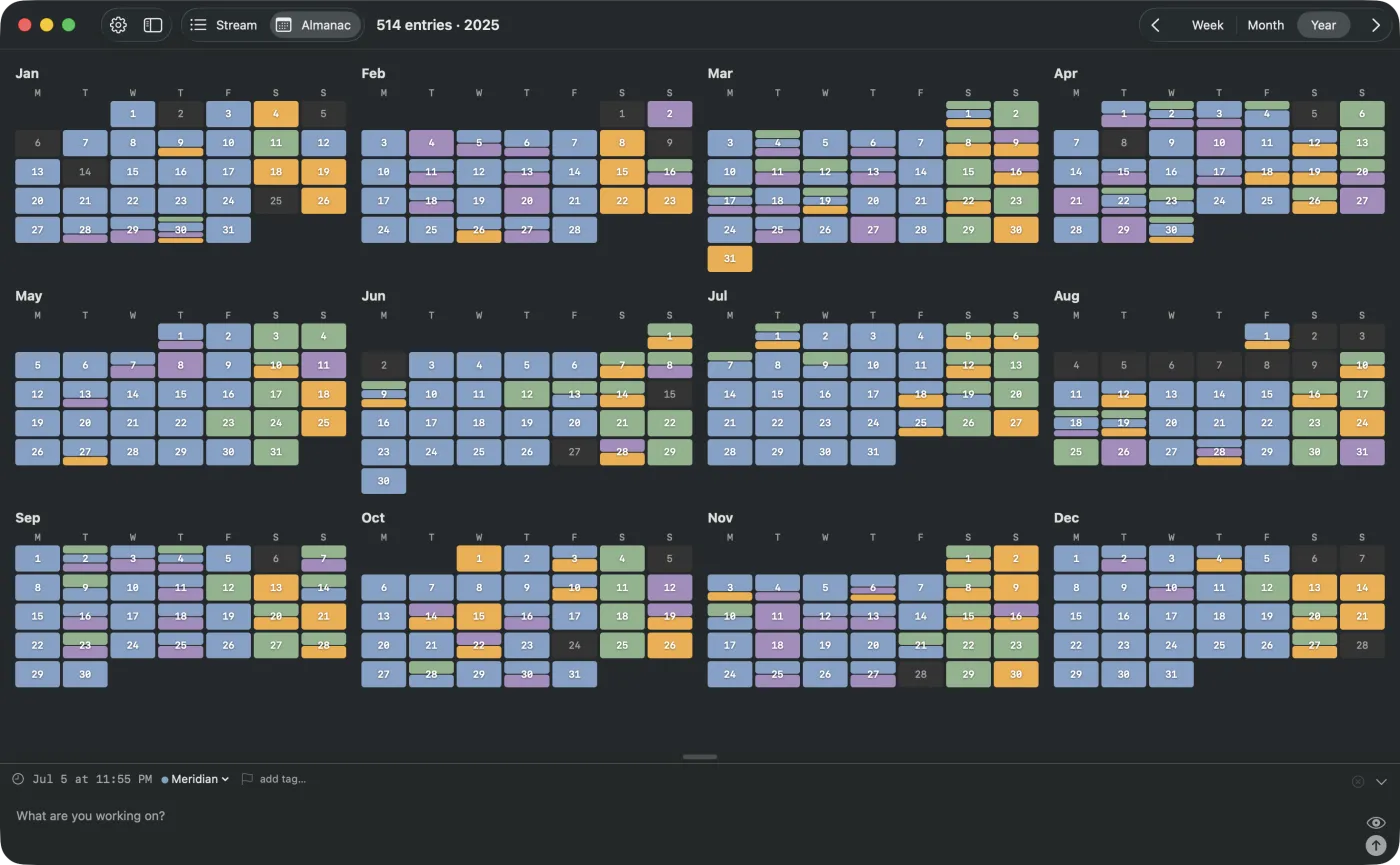
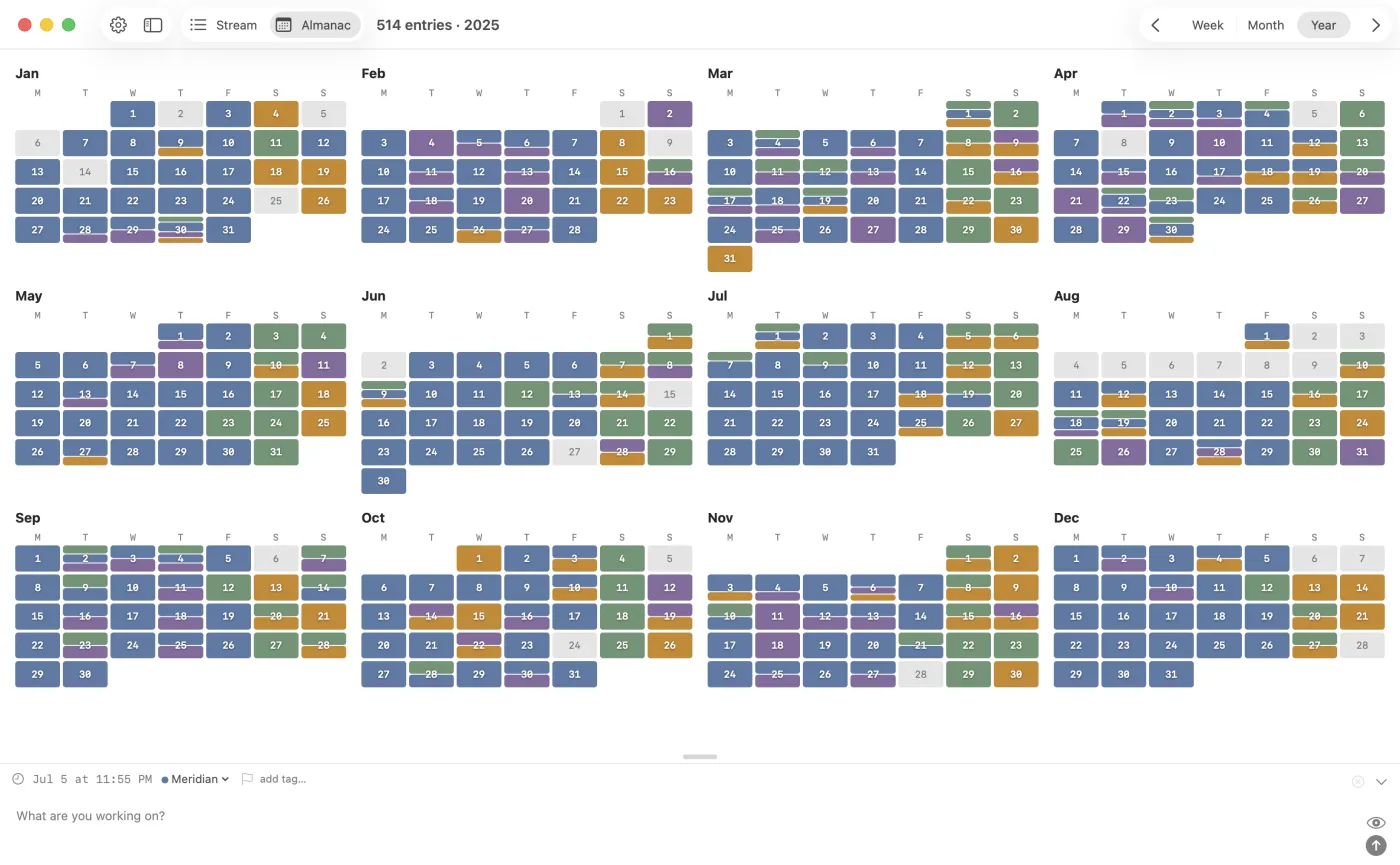
 Scan and recall
 Drill in for summaries
Write the way you already write
Entries are plain Markdown, and they format live while you type: headings become headings, code fences become code. Drop a #tag inline and CogniLog files it for you, and channels keep each context separate.
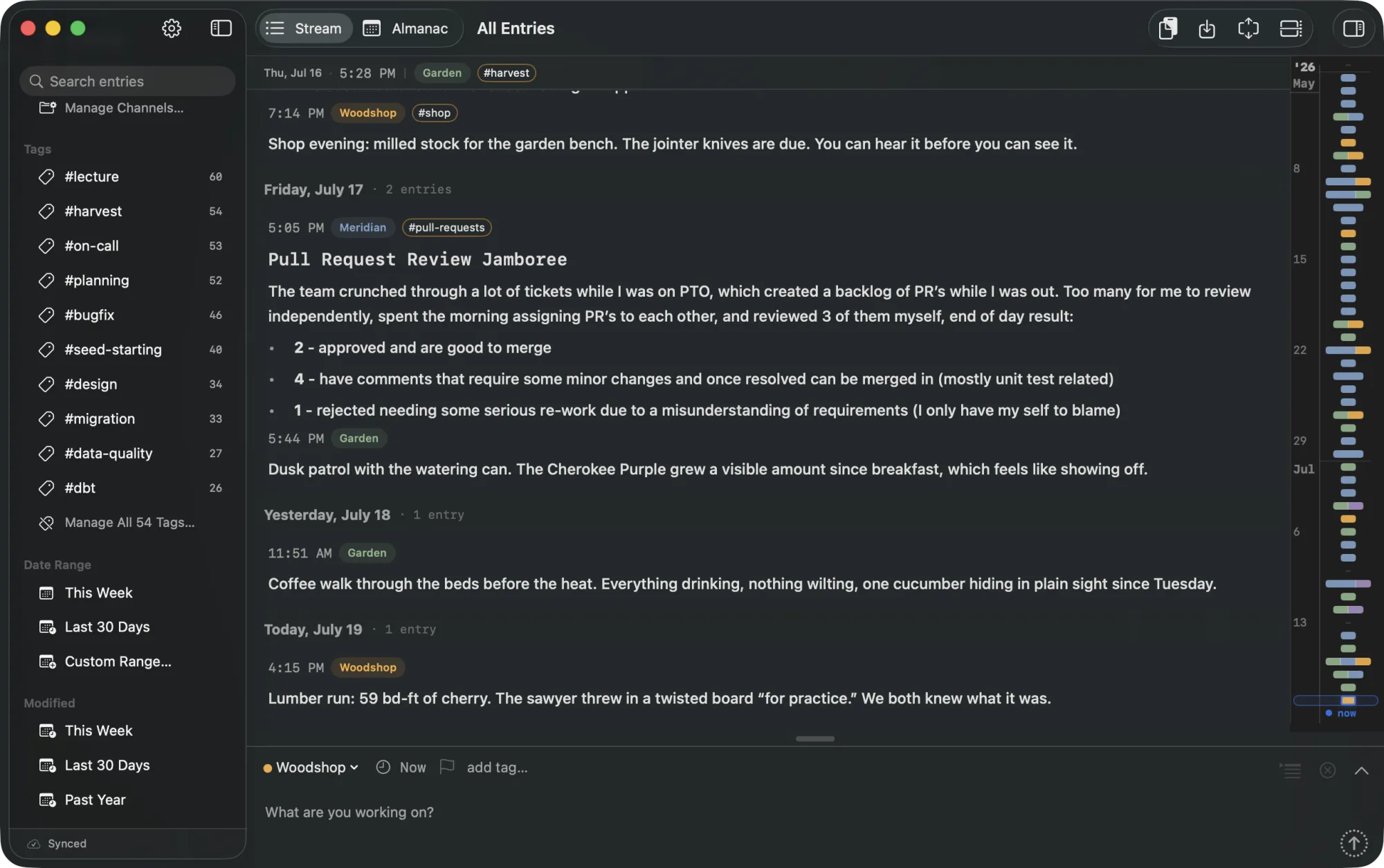
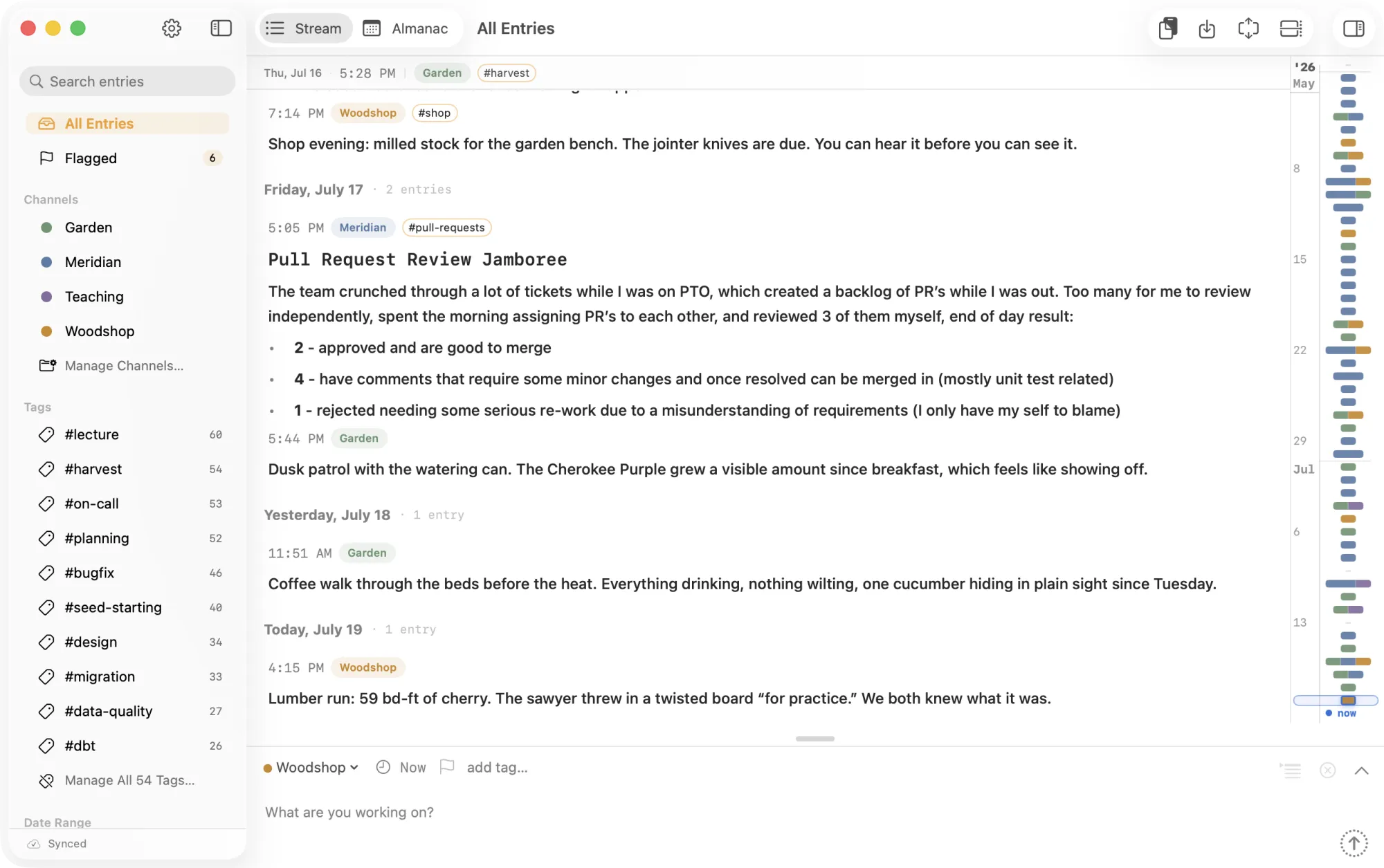
One feed of everything you’ve logged
Every entry lands in the Stream, grouped by day, with channels and tags in the sidebar. A timeline along the edge shows your whole history in miniature. Scrub it to move across months, or hover a cluster to preview that day.
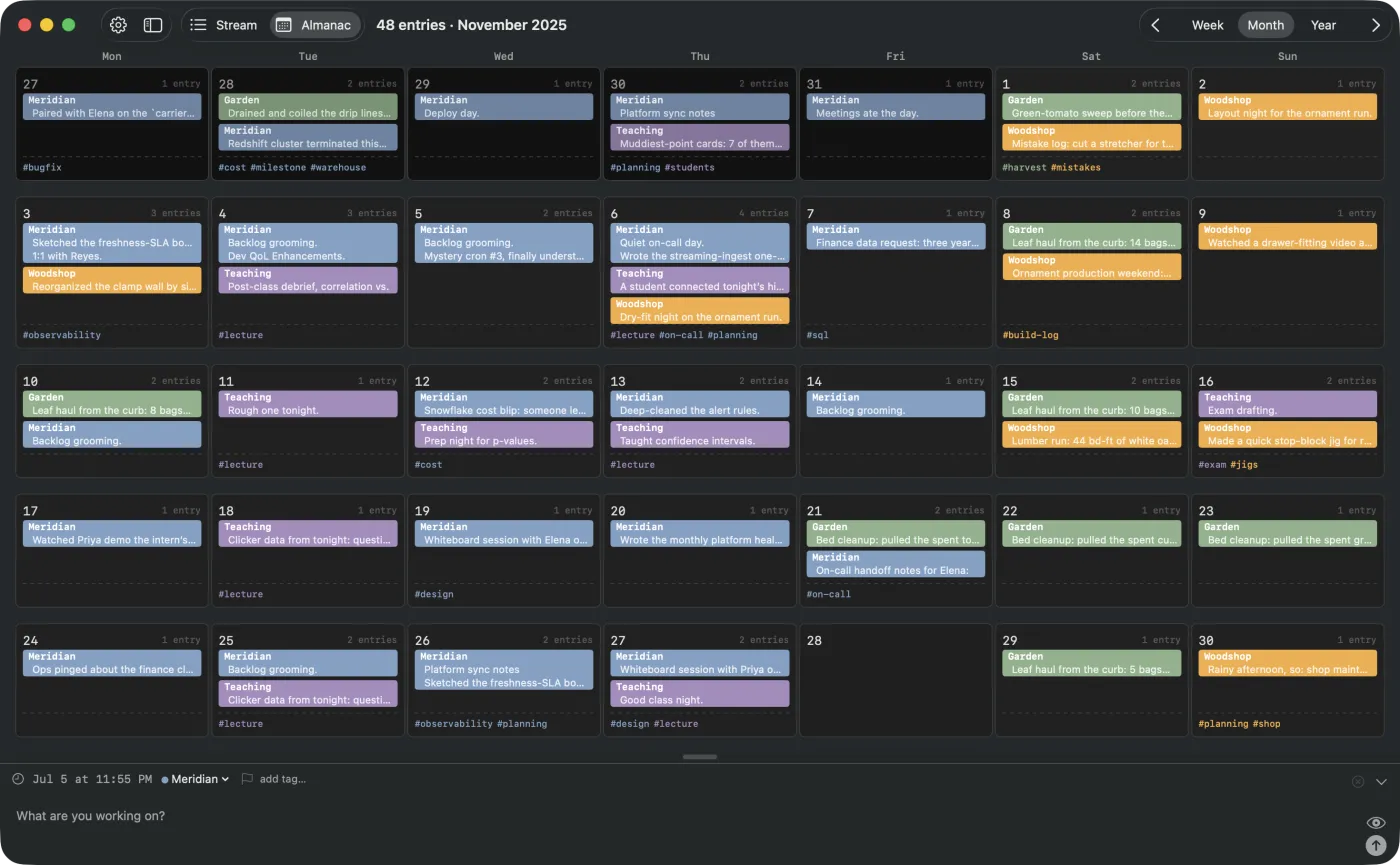
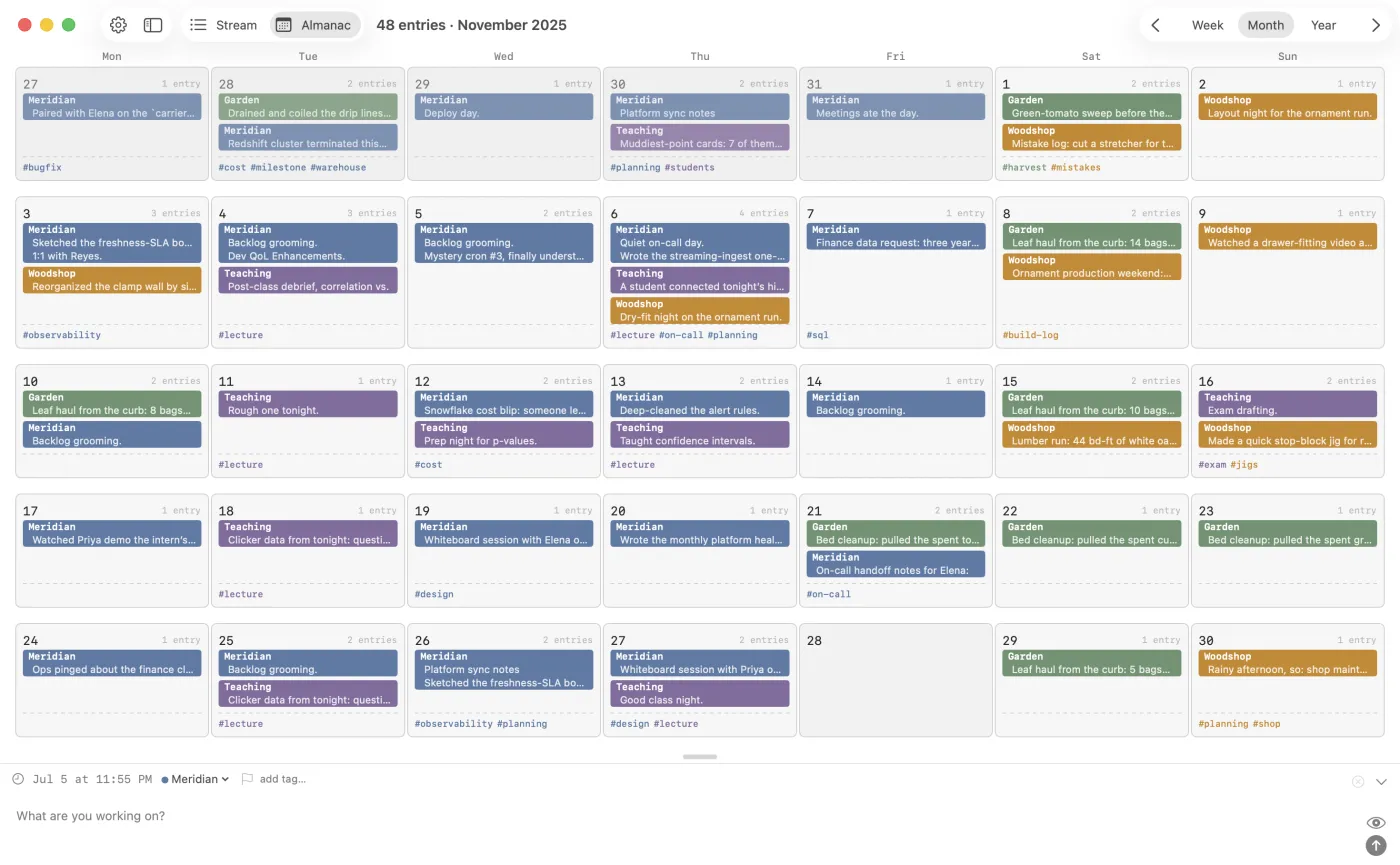
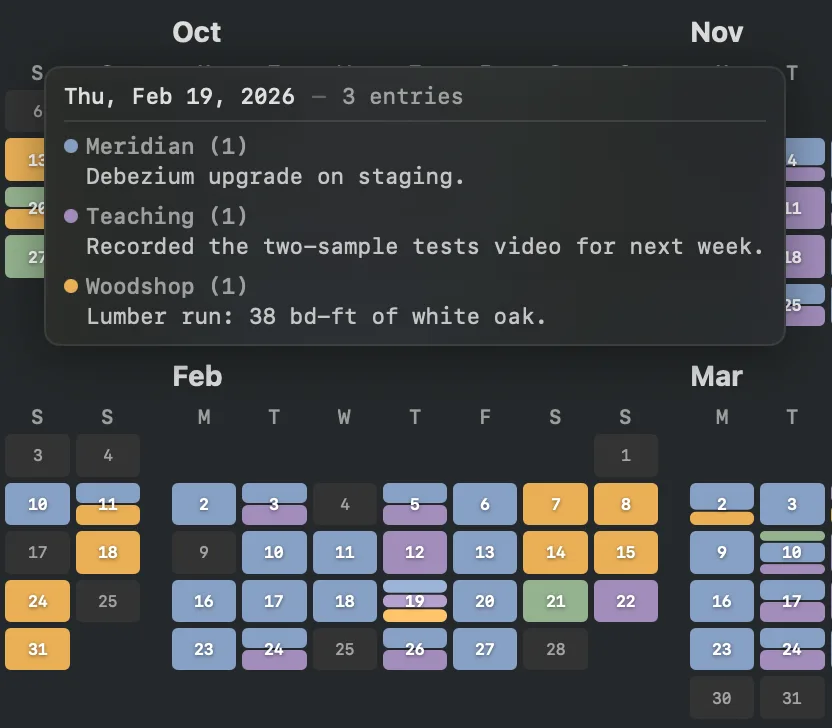
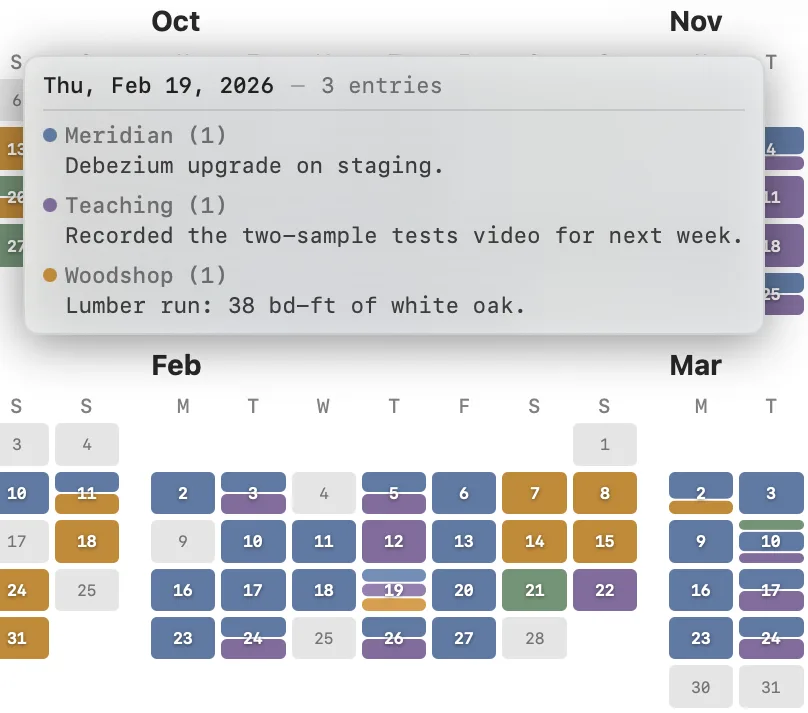
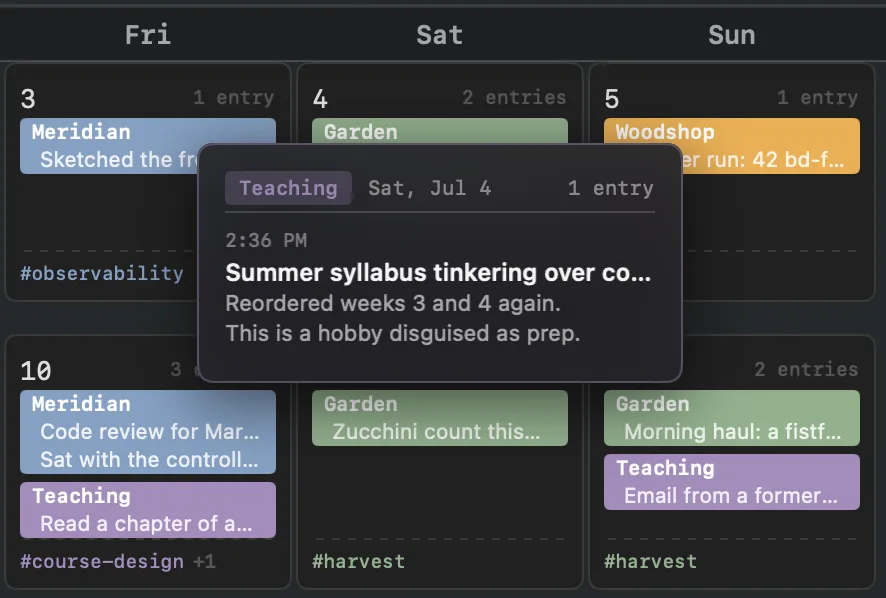
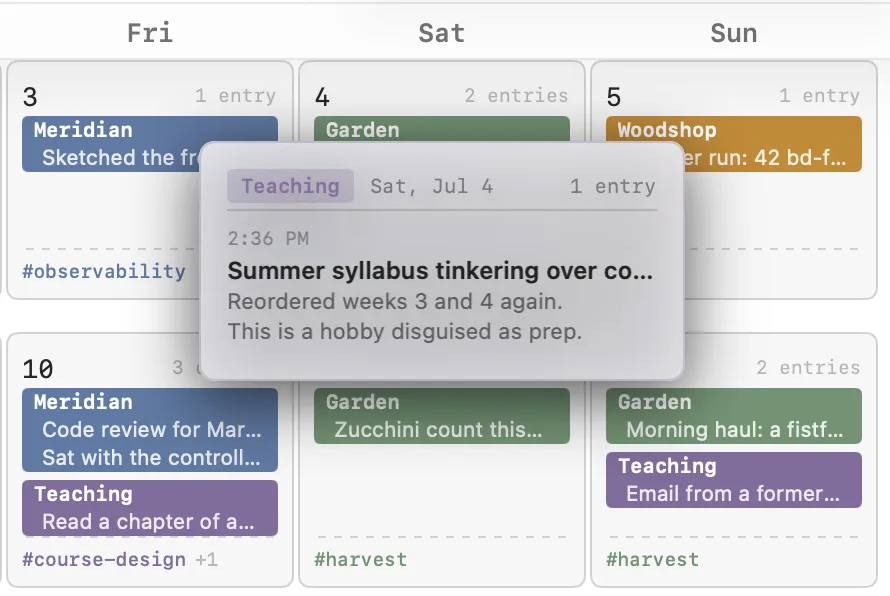
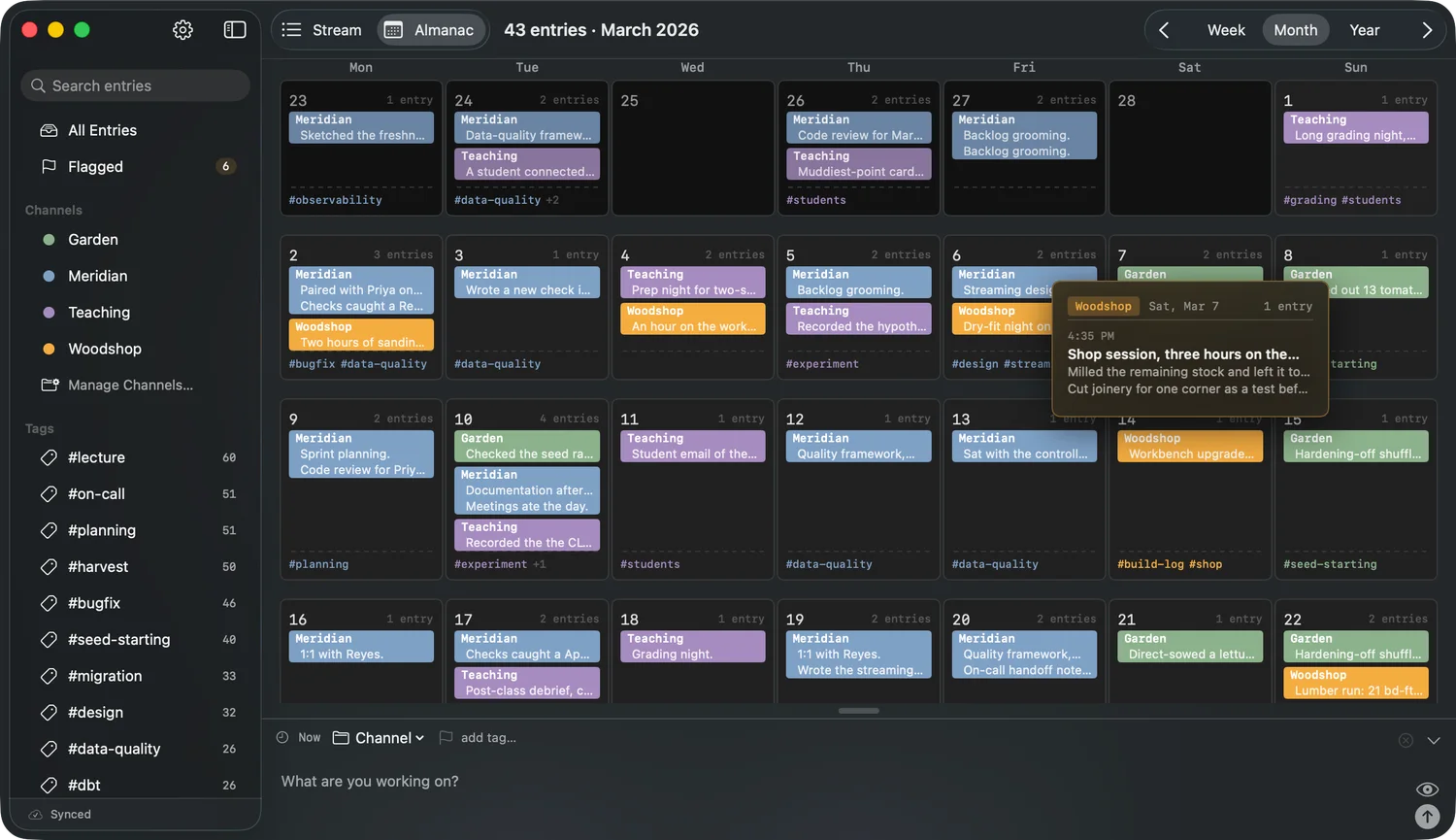
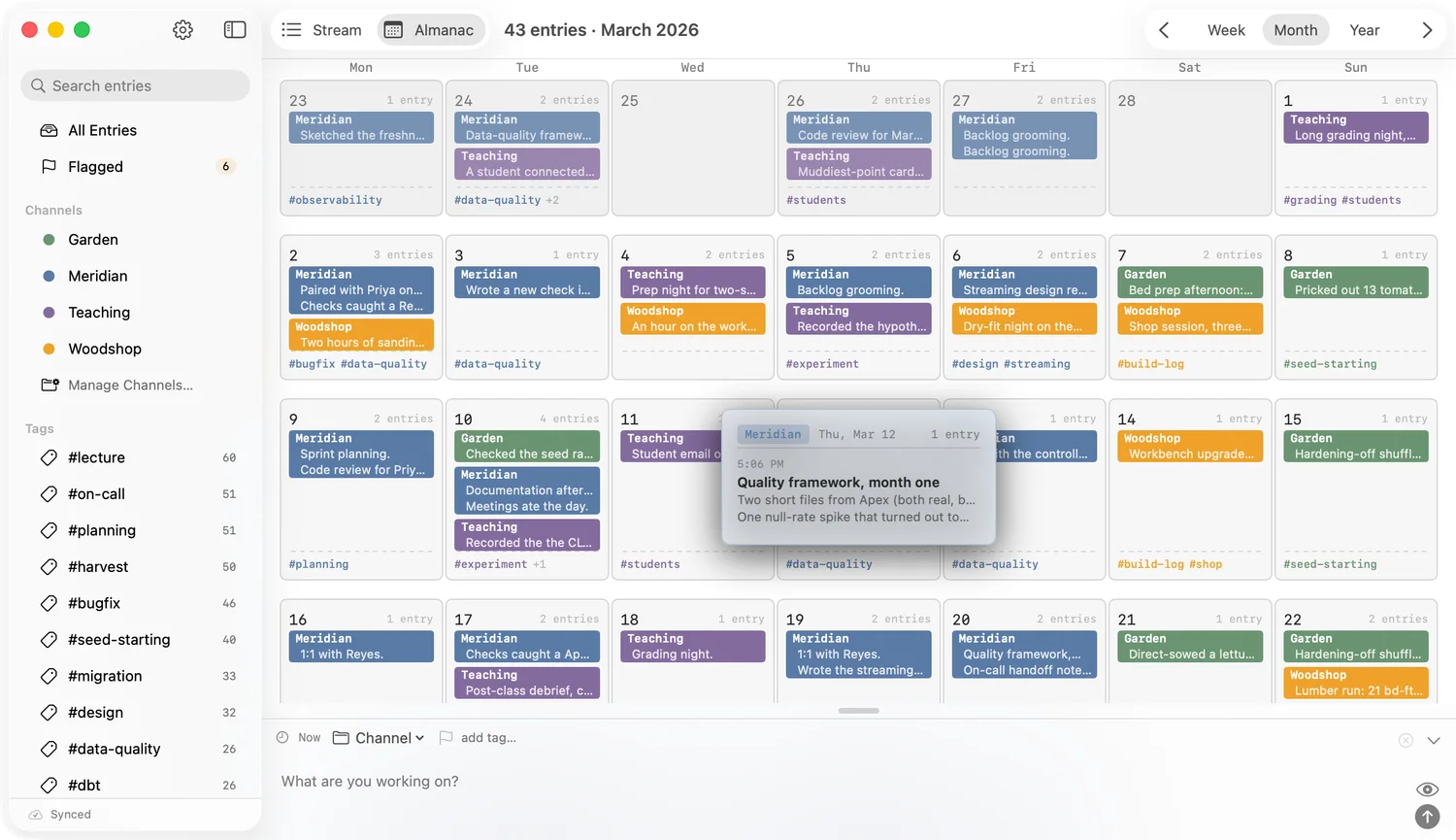
A map of everything you’ve logged, from the over-all view to the play by play
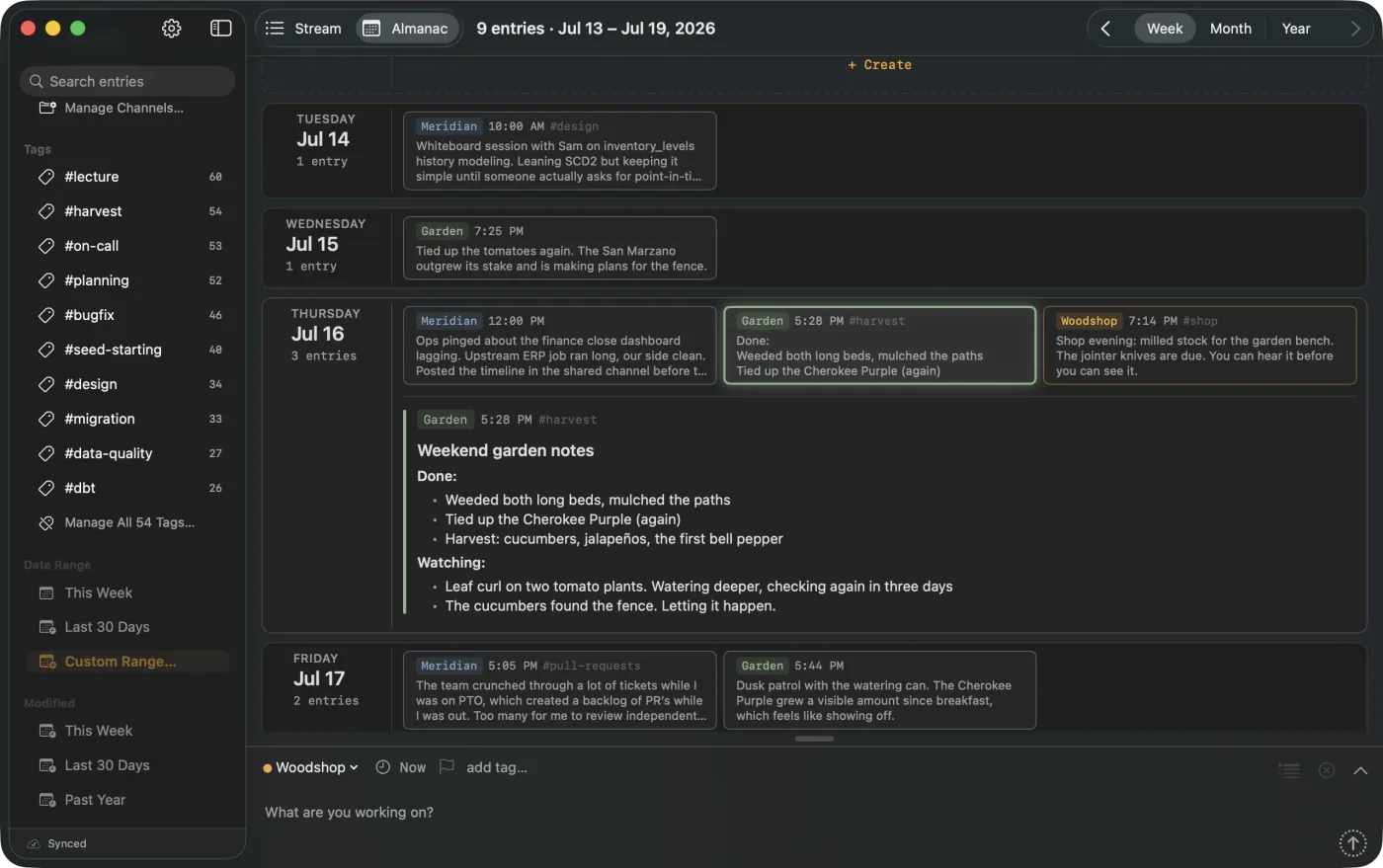
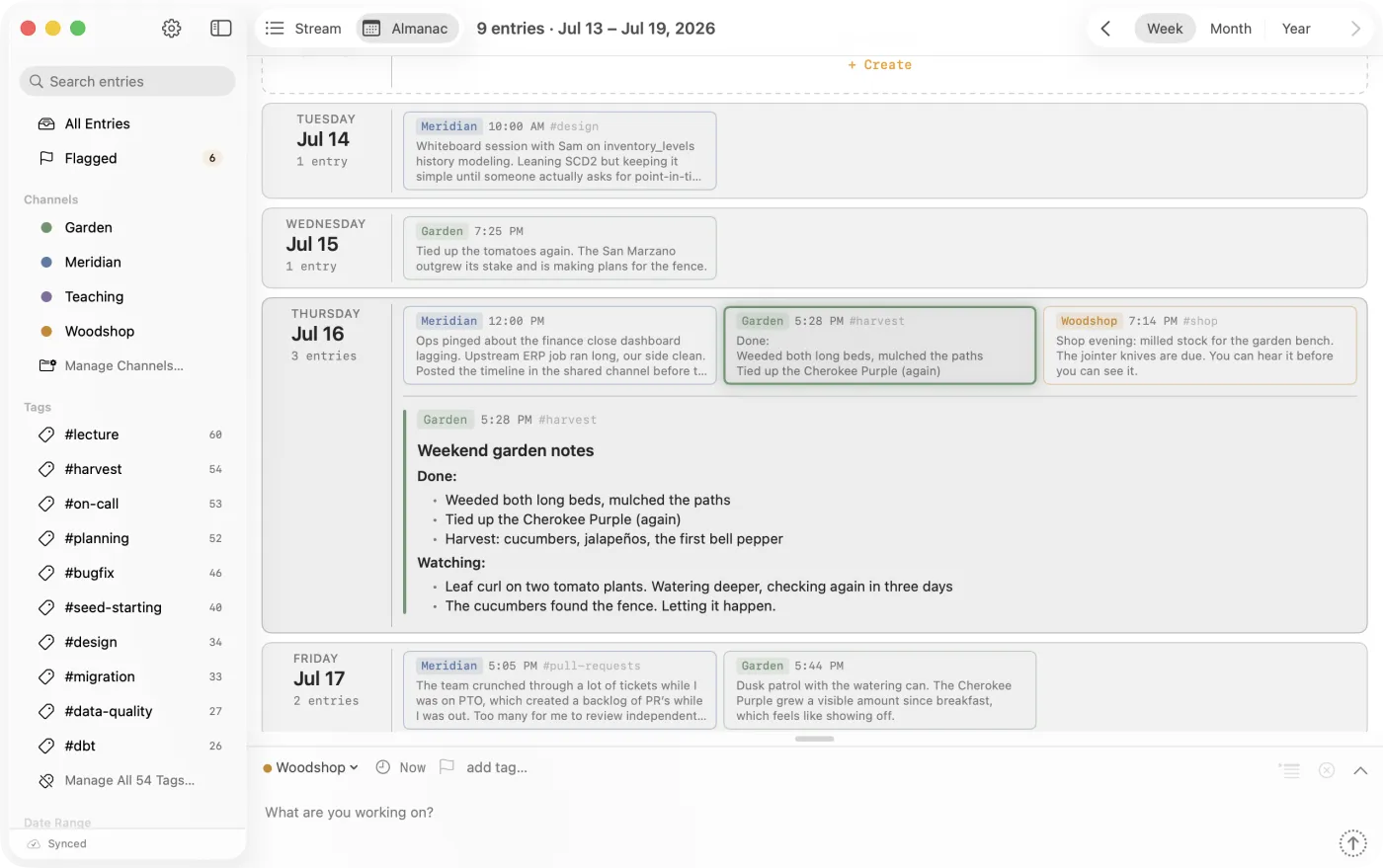
The Almanac turns your log into a map. Scan whole months, hover a day for a rollup of what happened, and drill from the year down to a single entry. The week view lays the days out side by side, which helps for standup or catching up after time away.
Your AI assistant reads and writes to the same log
When your AI session ends, the context goes with it, and the thread is easy to lose. CogniLog ships with a built-in MCP server, so the assistant you already use can both read your history and write to it. Ask it what happened last week, and it answers from your log. Set it to work, and it records what it did, in the same place you record what you did. Capture by hand or by prompt: it all lands in one timeline your assistant can search, cite, and reason across.
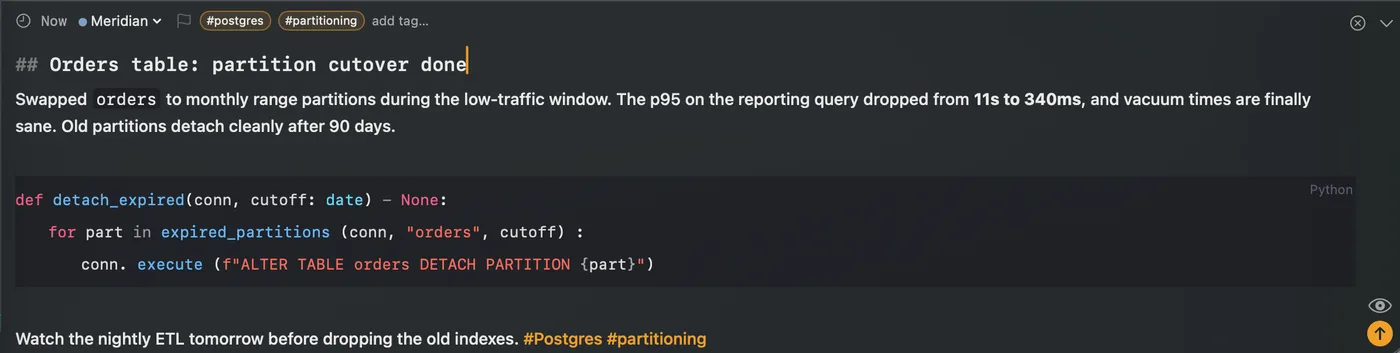 MANUAL
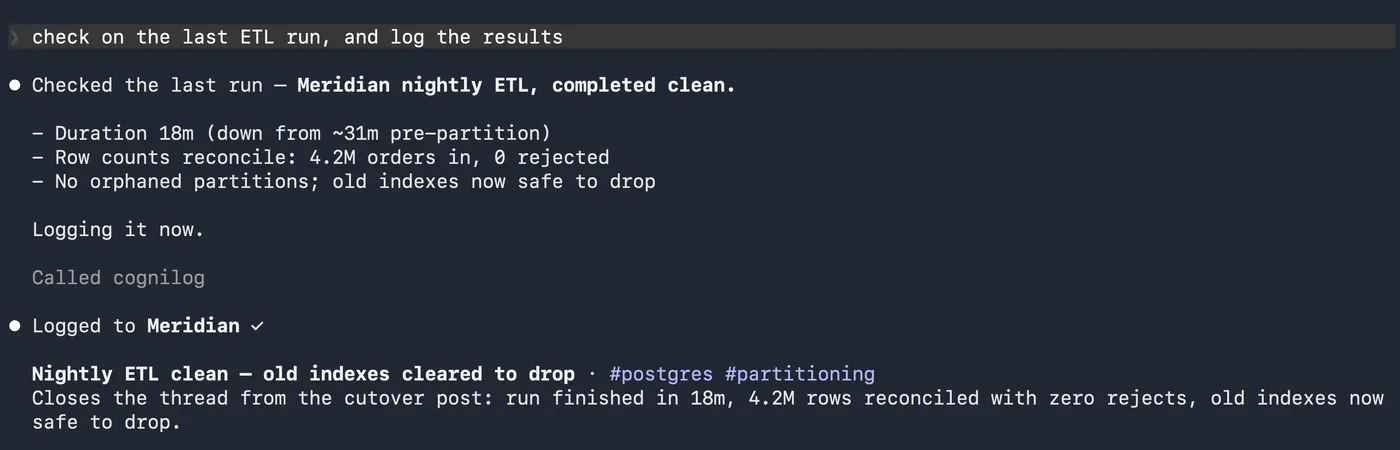 WITH AI
MCP →
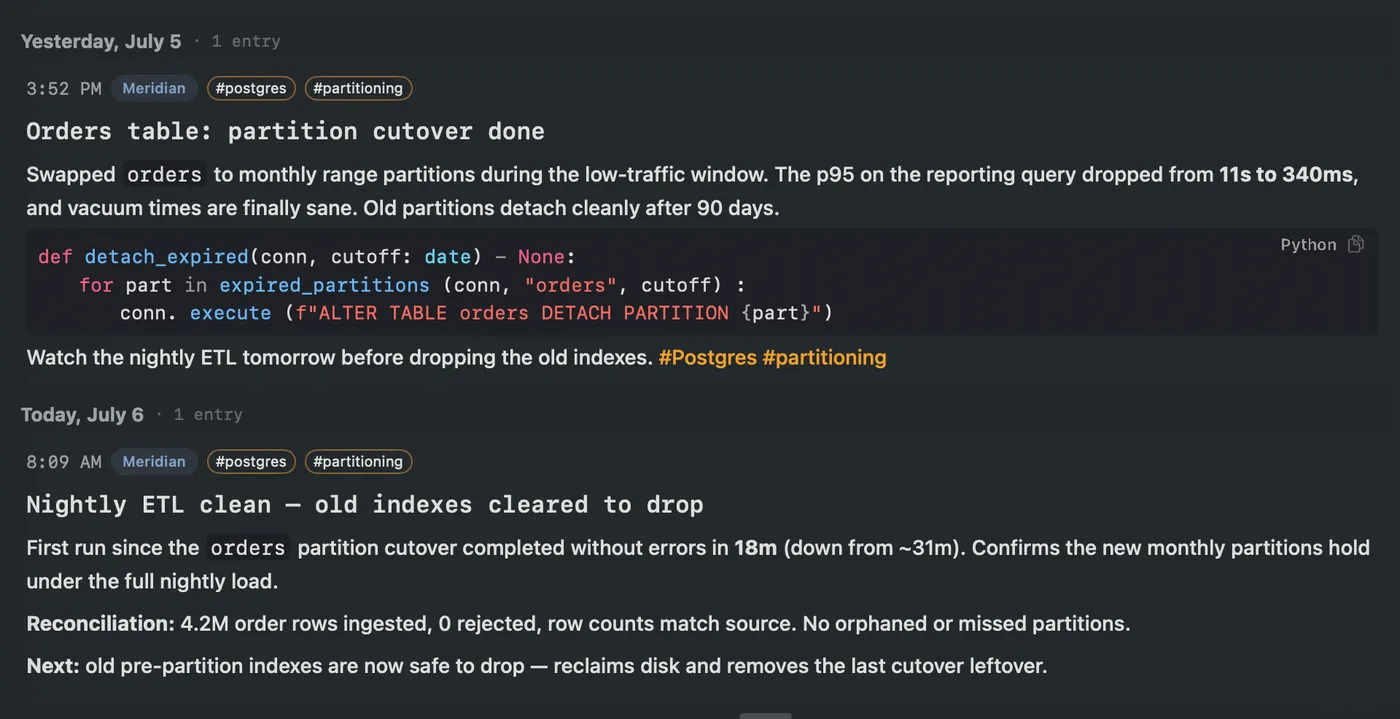 STREAM
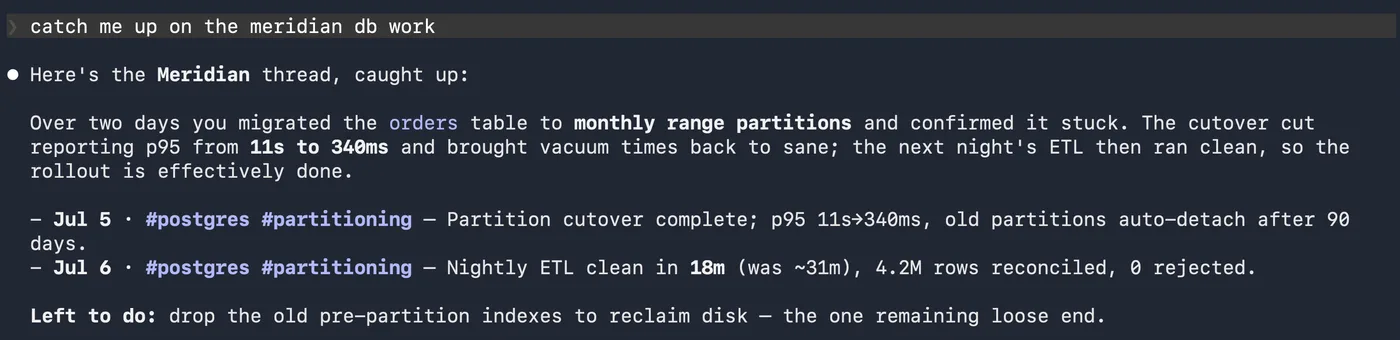 ASK
ASK
AI prompts shown run in your own agent, here a terminal, over CogniLog’s built-in MCP server, not inside the app.
The gap between reasoning and recollection
Finished work gets archived to make room for the next thing. What comes back later is an index of what happened, not the why. Most tools are good at capture or good at recall, rarely both in one place. CogniLog exists to close that gap.
Built for desktop and mobile
Log from your desktop while you and your agents work, or capture a thought on the go from your phone. Entries sync between your devices through your own iCloud, whoever wrote them. Capture from the menu bar, the share sheet, Shortcuts, Siri or your lock screen.
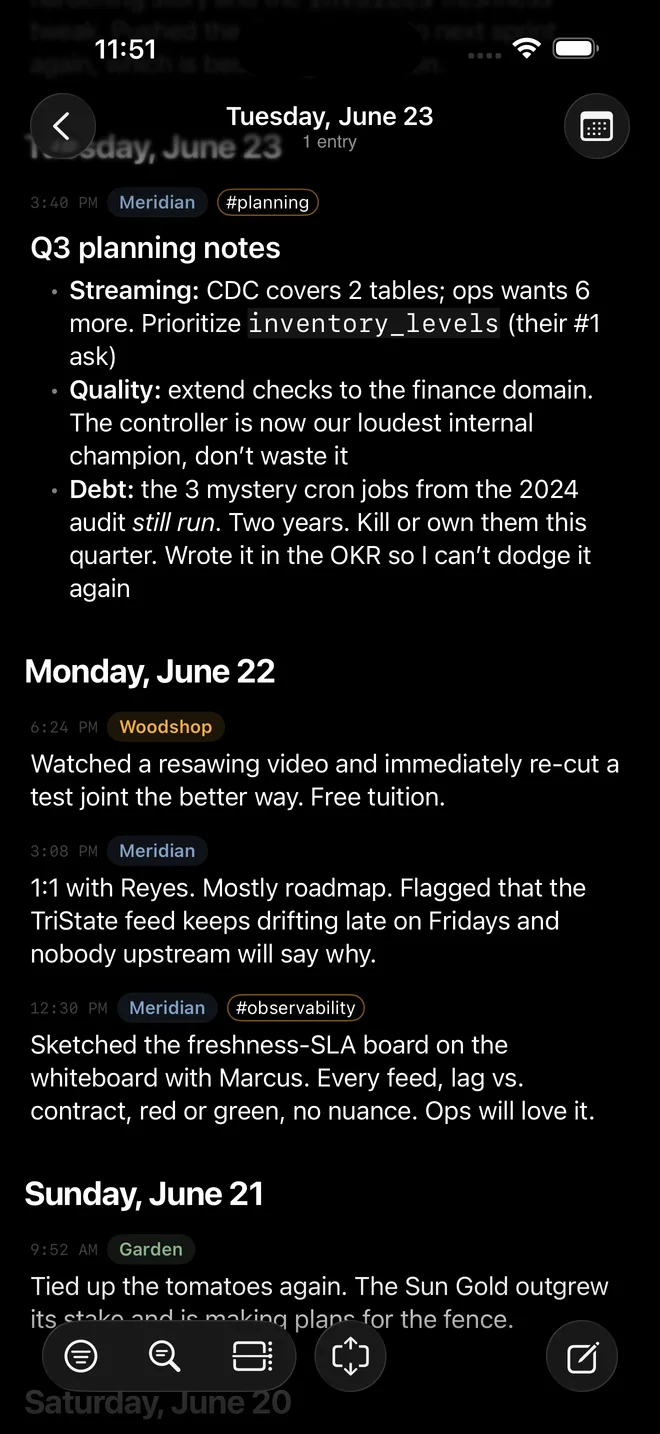
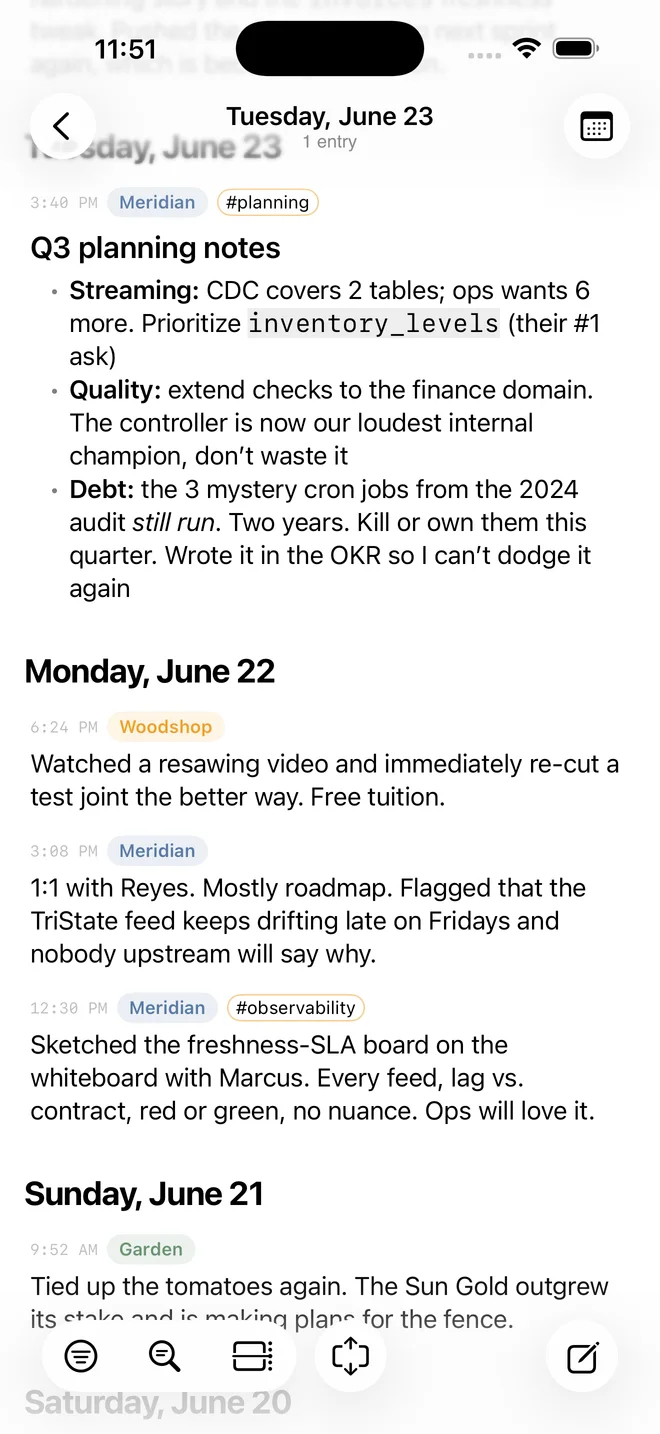
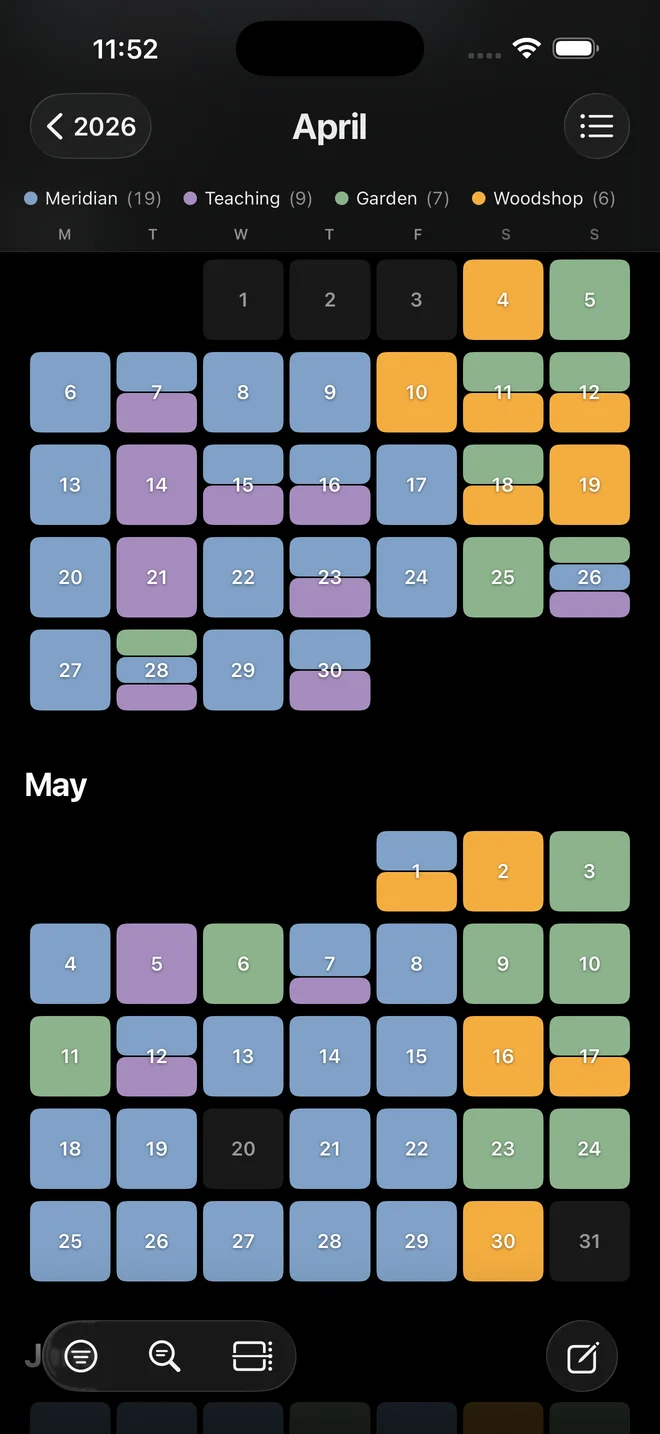
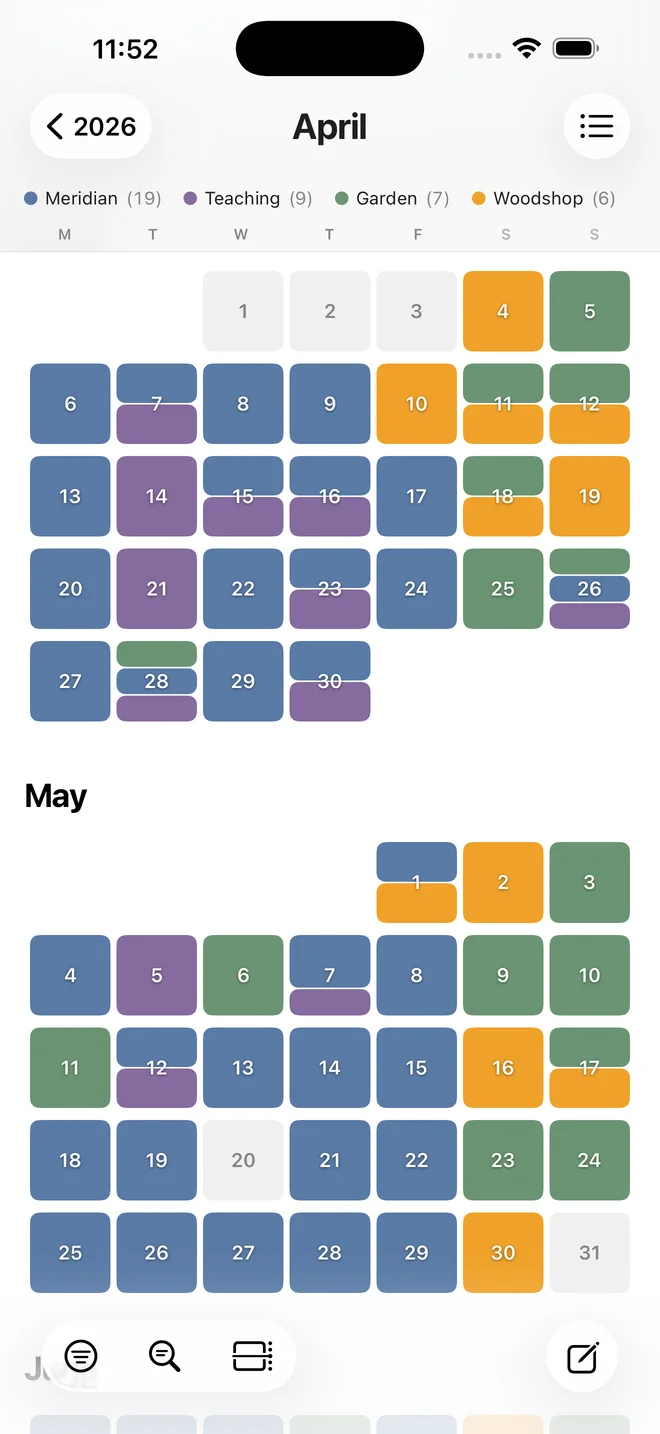
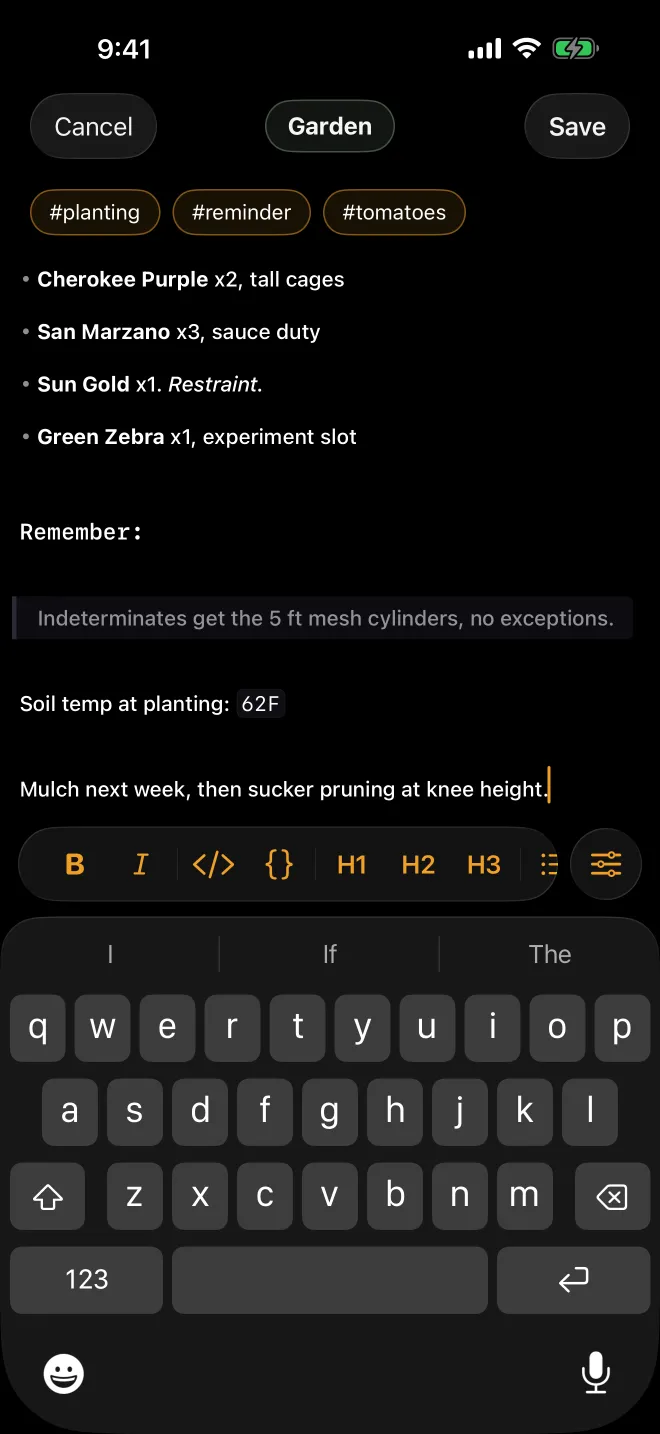
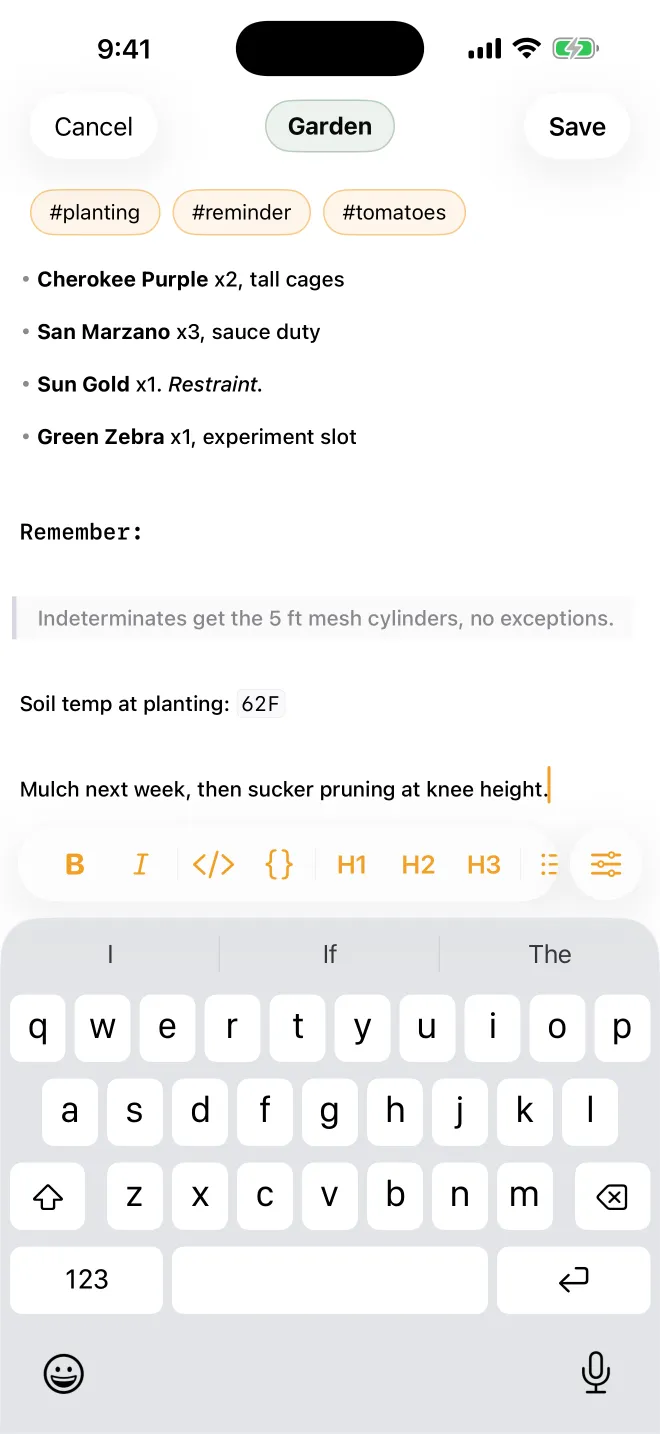
The same composer on your phone
The iPhone composer formats as you type, the same as on the desktop, with a formatting bar above the keyboard. An entry you tap out on your phone reads like one you wrote at your desk.
Markdown in, Markdown out
Bring your notes in from the apps you already use, and take everything back out as plain Markdown.
Notes from Apple Notes, Day One, Obsidian and Bear import directly, and a CogniLog backup restores the same way.
Your entries export as plain Markdown, so anything that reads Markdown can pick up where CogniLog leaves off. The whole log also exports as a portable backup that imports right back in.
Your log lives on your devices and in your iCloud
There’s no account to create, and no servers of mine hold your log. The MCP server runs on your Mac, and only when your AI tool starts it.
In the works
CogniLog is currently free
Everything in the app is free right now. If that ever changes, it won’t change for the people already here.
Get CogniLog
It’s on the App Store now, for Mac and iPhone.

Want occasional updates? Leave your email and I’ll write when there’s a new release.
Also from Rivet & Rune: Dice Builder, a dice roller made to sit on the table with you.